

Posts
1713Following
146Followers
72Also @noisytoot@mice.tel in case chinchillas eat the cables
Noisytoot
noisytoot
Show content
 1
1
 0
0
 1
1
Noisytoot
noisytootShow content
@kemona_halftau @thing Actually is the journal free software? The mkxp-oneshot repo contains build instructions but seemingly no source code. There is, however, this reimplementation that I will try to use.
Although, I’ll need to find another way to extract the image files:
First, aquire a copy of the Windows-version journal executable. Next, download ResourcesExtract and run it, either via Wine or from a Windows install. Set the filename to the journal executable and the destination to the images directory in your local copy of this repo. Set the program to extract only bitmaps, then press Start. Once extraction completes run the included Python script renameandconvert.py (requires ImageMagick), which will create the required PNGs.
I don’t want to run a proprietary Windows program to do this.
2
0
1
Noisytoot
noisytootShow content
@kemona_halftau @thing I can’t even run the appimage (I assume because /lib64/ld-linux-x86-64.so.2 doesn’t exist at that path on my system)
> ./OneShot.appimage
exec: Failed to execute process './OneShot.appimage': The file exists and is executable. Check the interpreter or linker?
I compiled the engine yesterday (it required some patching to get it to build without conan) so I just need to extract the files from the AppImage somehow and then I can run it with the engine I compiled myself
2
0
1

Noisytoot
noisytoot[ 71%] Linking CXX executable oneshot
[100%] Built target oneshot
FINALLY. now I can sleep
0
0
0
Noisytoot
noisytoot
0
0
1
Noisytoot
noisytoot
1
0
0
Noisytoot
noisytoot
1
0
0
Noisytoot
noisytoot
1
0
1
Noisytoot
noisytootShow content
1
0
1
Noisytoot
noisytootShow content
1
0
1
Noisytoot
noisytootShow content
1
0
2
Noisytoot
noisytootShow content
(I would play oneshot if it was free/libre software)
1
0
2
Noisytoot
noisytoot(Also it doesn't include RAM and has a minimum requirement of 32GB per CPU according to the documentation, which means I now have to buy a minimum of 64GB of DDR4. That's going to be expensive.)
0
0
0
repeated
Ninji
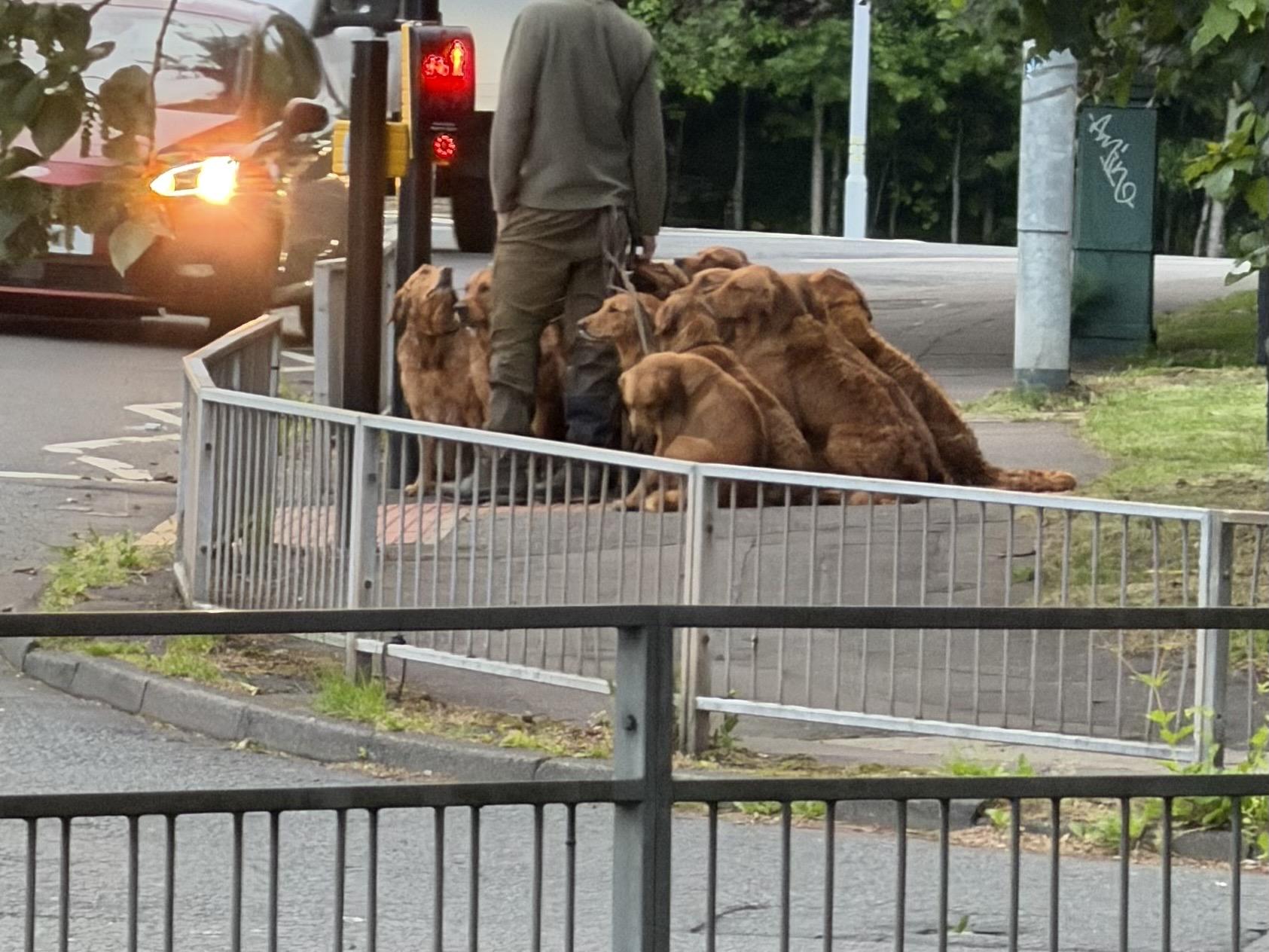
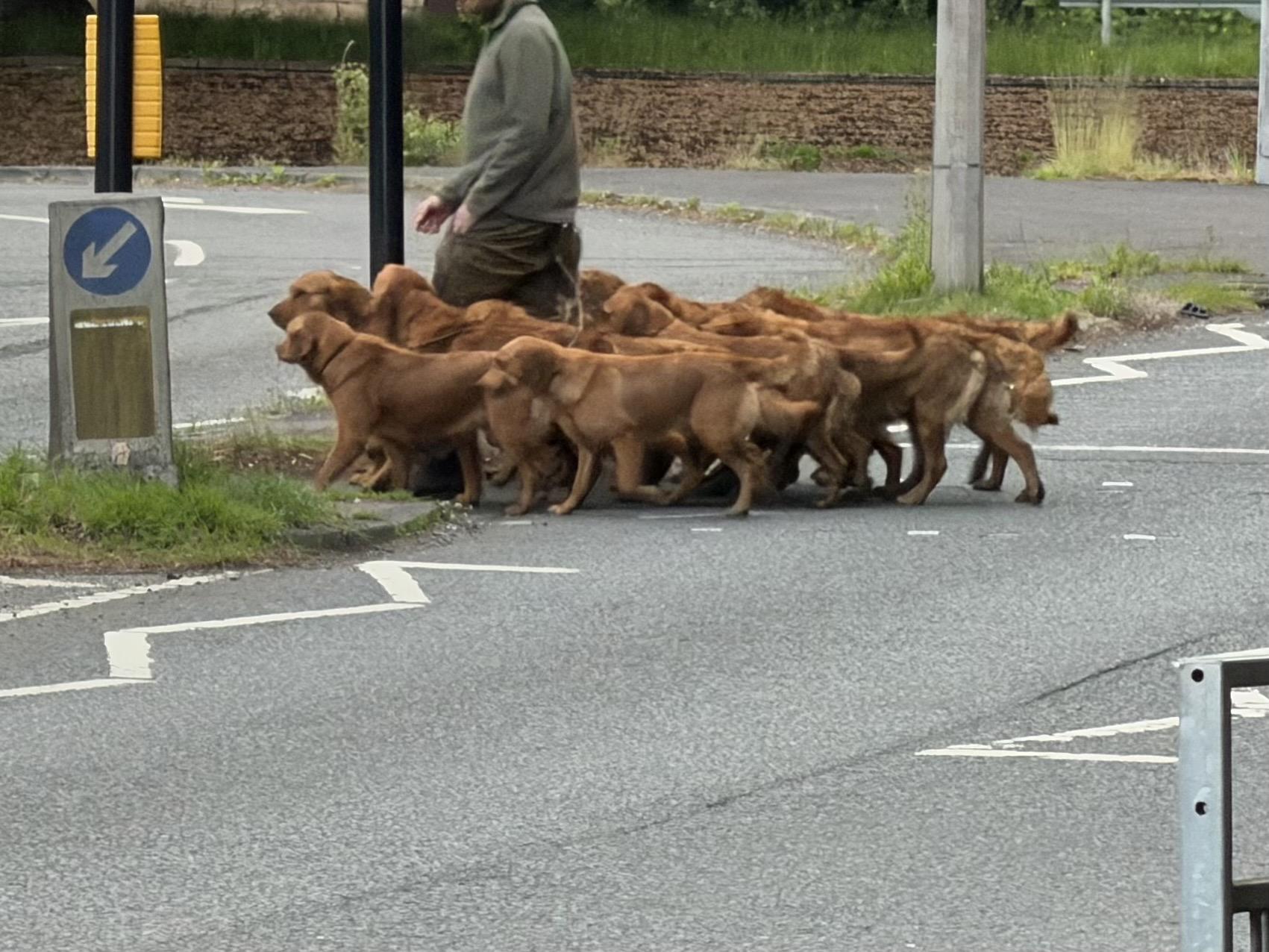
Ninji@wuffs.orgme: i would like to see more dogs when i’m out and about. it really brightens up my day
the universe: say no more chief
 15
4
1
15
4
1